How to fix lag on Roblox
There are three kinds of lag on Roblox, and each has its own fix. Lowering the graphics will not help a bad connection, and a new router will not help a slow phone. So the first step is to find out which kind you have.
- Players jump or freeze, picture is smooth: Network lag. Fix your connection.
- The picture stutters when you turn: Graphics lag. Lower the graphics level.
- Everything is slow, even the menu: System lag. Close other apps.
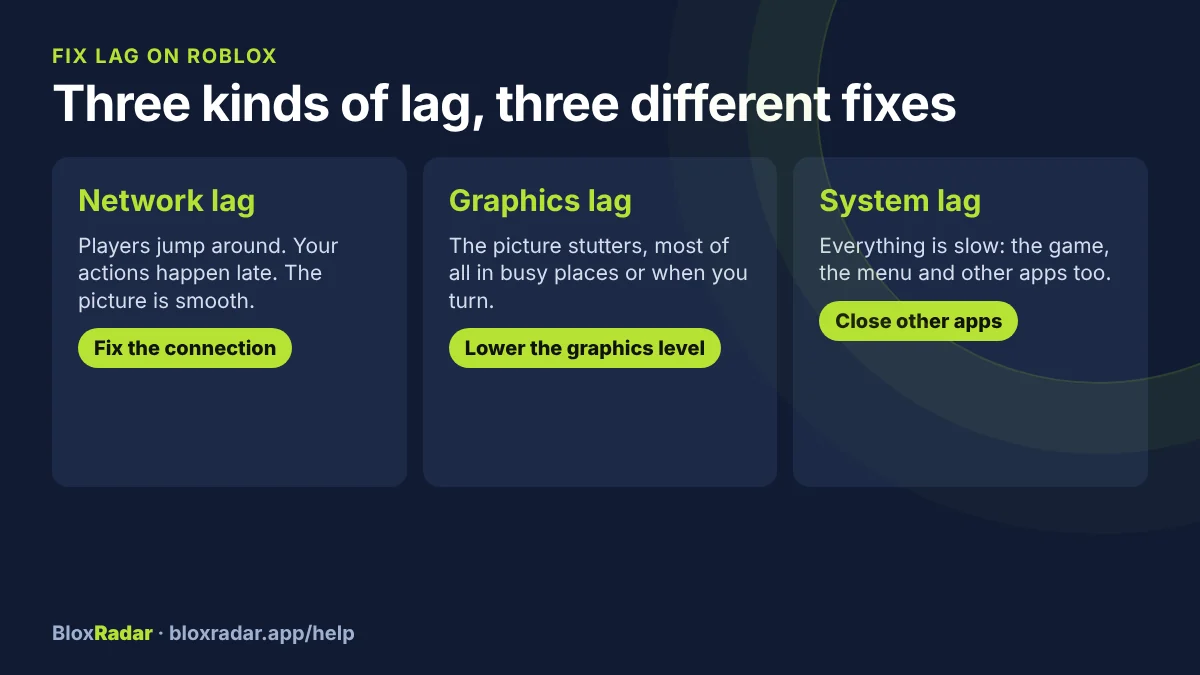
Which kind of lag do you have?
| What you see | Kind | Fix |
|---|---|---|
| Other players jump around, or your actions happen late, but the picture is smooth | Network lag | Connection |
| The picture is choppy, worse in busy places or when you turn the camera | Graphics lag | Graphics level |
| Everything is slow: the game, the menu, other apps too | System lag | Free up the device |
Roblox Support uses the same three names. A quick test: stand still in a quiet corner of the game. If the picture is smooth there but other players still jump around, it is the network.
Fix graphics lag
While playing, press Esc to open the menu. On a phone, tap the Roblox icon in the corner.
Open Settings.
Find the graphics section and turn off the automatic graphics quality.
Lower the graphics level a few steps, and play for a minute.
Keep lowering until the picture is smooth. The game looks plainer, but your device has less work to do.
A game with many players and effects needs a lower level than a small obby. It is normal to change this from game to game.
Fix network lag
Open status.roblox.com. If Roblox shows a problem there, wait. Nothing on your side is broken.
Close Roblox fully and open it again. On a phone, swipe the app away first.
Restart your router: unplug it, wait 30 seconds, plug it back in. Restart your device too.
Get a better signal. Move closer to the Wi-Fi, or use a network cable on a computer.
Turn off any VPN, and pause big downloads or video streams on the same network.
Try another network, such as a phone hotspot. If the game works there, the problem is your home network.
If the connection drops fully you get an error code instead of lag: see error 277 and error 279.
Fix system lag
- Close other apps and browser tabs. Video, voice chat and downloads all take power Roblox needs.
- Restart the device if it has been on for days.
- Keep a laptop plugged in. Many laptops slow down on battery.
- Let a hot phone cool down. Phones slow themselves when they get hot.
- If the device is simply too old for a game, lower the graphics level all the way, or play that game on a stronger device.
When it is the game, not you
Some games are heavy for every device, most of all right after a big update or during an event with a full server. If your friends lag in the same game at the same time, waiting or joining a smaller server is the only fix. Our events page shows which games have an event on.
Questions and answers
Why is Roblox so laggy all of a sudden?
Check three things in this order: the Roblox status page, your own connection in another game, and whether the game just updated. A sudden change is more often the network or the game than your device.
Does lowering graphics reduce ping?
No. Graphics settings change how hard your device works. Ping is about your connection, so fix the network instead.
What graphics level should I use on Roblox?
The highest one that stays smooth in the game you are playing. Turn off the automatic setting and lower it one step at a time.
Sources and how this page was made
Written by BloxRadar with AI help and checked by a person before it went up. Error-code names are the ones in Roblox's own client data. Where Roblox has a help page for a fix, we follow it and link to it; where it has none, the page says so.
Something here doesn't match what you see? Email fix@bloxradar.app with the page link.