Roblox account hacked? What to do first
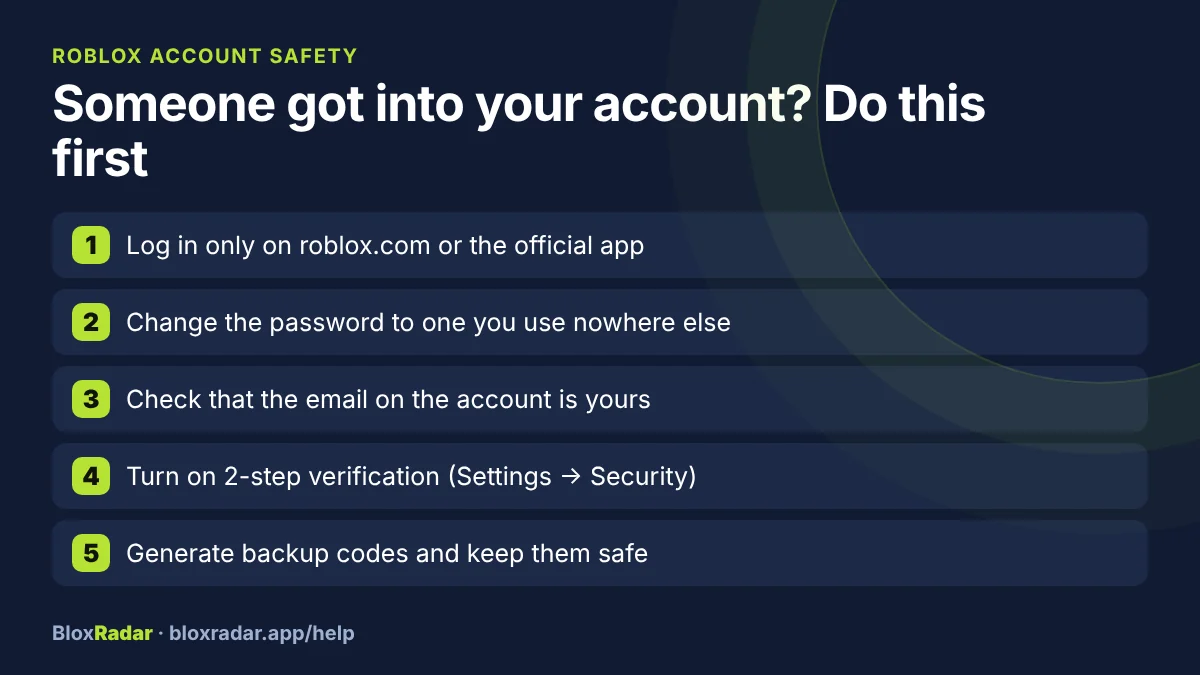
If you think someone else got into your Roblox account, act in this order: get back in, change the password, then turn on 2-step verification so a password alone is no longer enough.
- Can still log in: Change the password now, then turn on 2-step verification.
- Cannot log in: Use password reset on the login page. If that fails, contact Roblox Support.
- Never: Share a password, a login code or a backup code with anyone.
Signs someone else is in your account
- You get kicked with error 264 or 273 (same account on another device) and it was not you. See all error codes.
- You get a login approval request, or a login code by email, that you did not ask for.
- Robux or items are missing, or the password no longer works.
First 10 minutes
Log in at roblox.com or in the official app. Nowhere else.
Change your password. Use one you do not use on any other site.
If a login request appears that you did not start, deny it, then change the password.
Check the email address on the account. It should be yours, or a parent's. An email you do not know means someone else can reset your password.
Turn on 2-step verification (next section).
Cannot log in at all? Use the password reset on the login page first. If the email on the account was changed, contact Roblox Support from roblox.com and explain what happened.
Turn on 2-step verification
Open Settings. In a browser, click the gear icon in the upper right. In the mobile app, tap the three dots, then the gear.
Open the Security tab.
Turn on the switch for the method you want and follow the steps on screen.
The account needs a verified email address first.
| Method | How it works |
|---|---|
| Authenticator app | You type a code from an app on your phone. Roblox Support recommends this one |
| Roblox emails you a code at login | |
| Security key | A physical key, or your device's fingerprint or face unlock. Needs the authenticator app turned on first |
| Second device | You approve the login on a phone that is already logged in |
Save backup codes
Backup codes let you in if you lose your phone. In Settings, open the Security tab and choose Generate in the recovery codes section. Roblox shows the codes once, so write them down and keep them somewhere safe. Each code works one time.
How accounts get stolen, and how to stay safe
- Never share your password, a login code or a backup code, and report anyone who asks for them.
- Do not type your login into a game, a survey or a "free Robux" site. Log in only on roblox.com or the official app.
- Be careful with links. A link that looks like Roblox but has extra letters or odd characters is a trap.
- Do not install programs or browser extensions that promise Robux or cheats. Roblox does not make browser extensions.
- Never share your screen while you log in or look at account settings.
- Log out on shared computers.
Questions and answers
Can Roblox give back stolen items or Robux?
Only Roblox Support can answer that for your account. Contact them from roblox.com as soon as you have the account secured, and describe what is missing.
Which 2-step verification method is best on Roblox?
Roblox Support recommends the authenticator app. Whichever you choose, also save backup codes.
Does error code 264 mean I was hacked?
Not by itself. It means the same account started a game on another device. If that was your own phone or tablet, nothing is wrong.
Sources and how this page was made
Written by BloxRadar with AI help and checked by a person before it went up. Error-code names are the ones in Roblox's own client data. Where Roblox has a help page for a fix, we follow it and link to it; where it has none, the page says so.
Something here doesn't match what you see? Email fix@bloxradar.app with the page link.